
<img height="1" width="1" style="display:none" src="https://www.facebook.com/tr?id=664141195390209&amp;ev=PageView&amp;noscript=1">

Extracting Company Portfolios

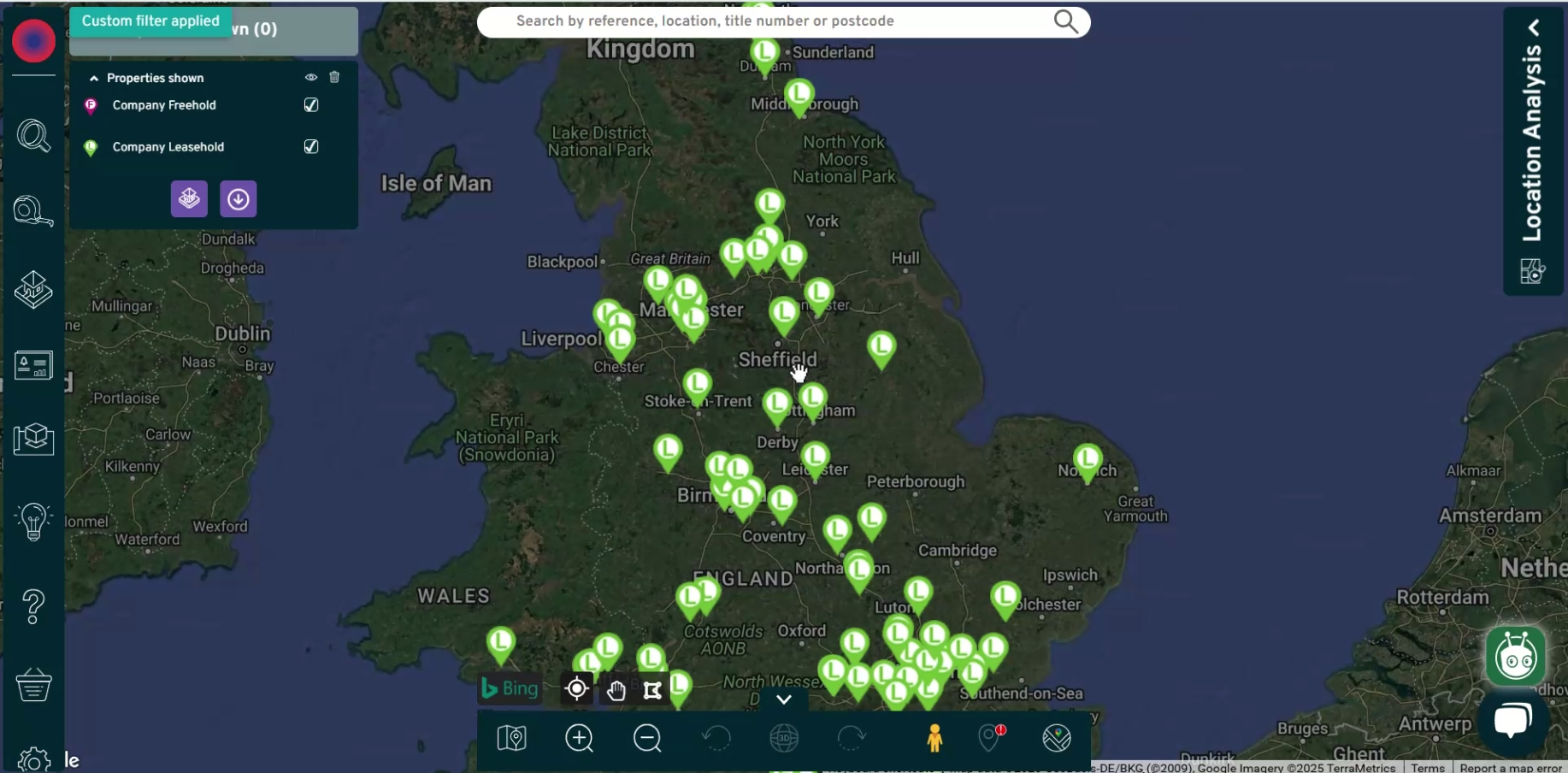
Easily extract and explore opportunities with a company's entire portfolio with Nimbus. Obtain valuable insights on the leasehold and freehold information within just a few clicks, then export or save the portfolio to My Sites.

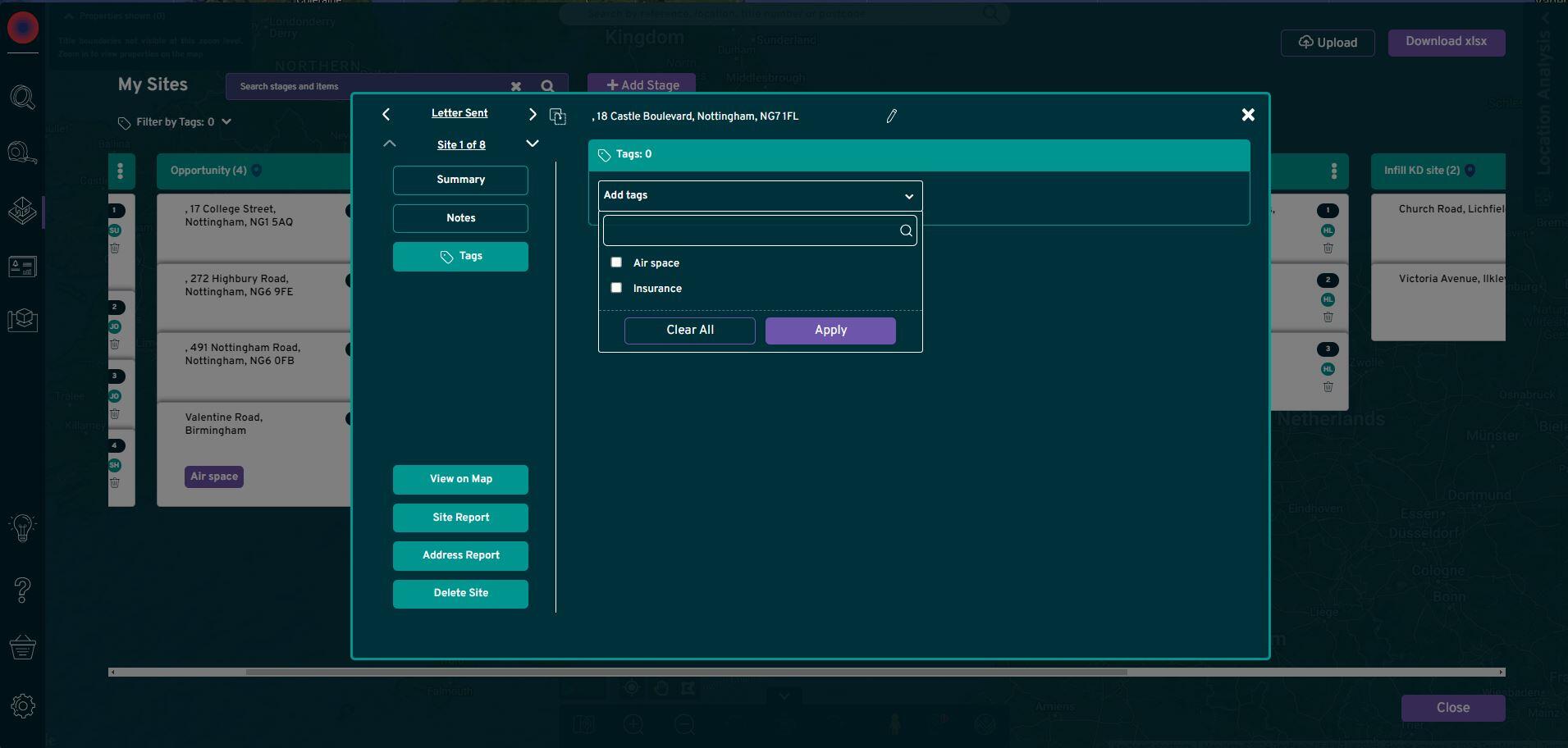
My_Sites_Save_Sites_cropped

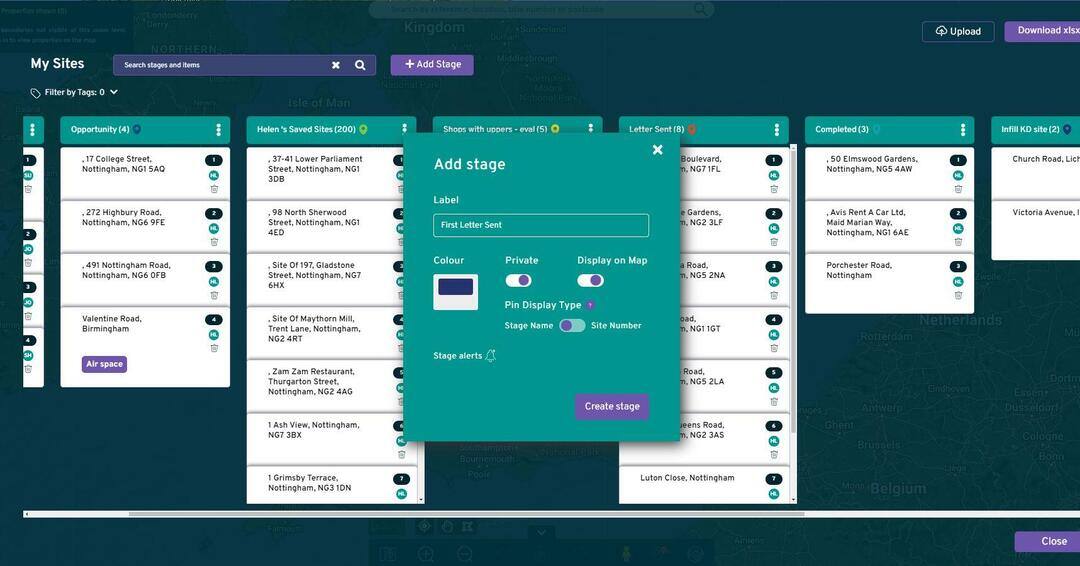
 Exporting company portfolios on My Sites is a simple and intuitive way to assess the market and competitors. Incorporating an interactive Kanban-style project board, you can easily save an entire company portfolio in one place. 

How it works

In My Sites you can create a stage to save the appropriate company portfolio you're interested in exploring.

You can have as many of these as you need, to track multiple competitors/companies across multiple stages.

ss Company Portfolio
Search portfolio

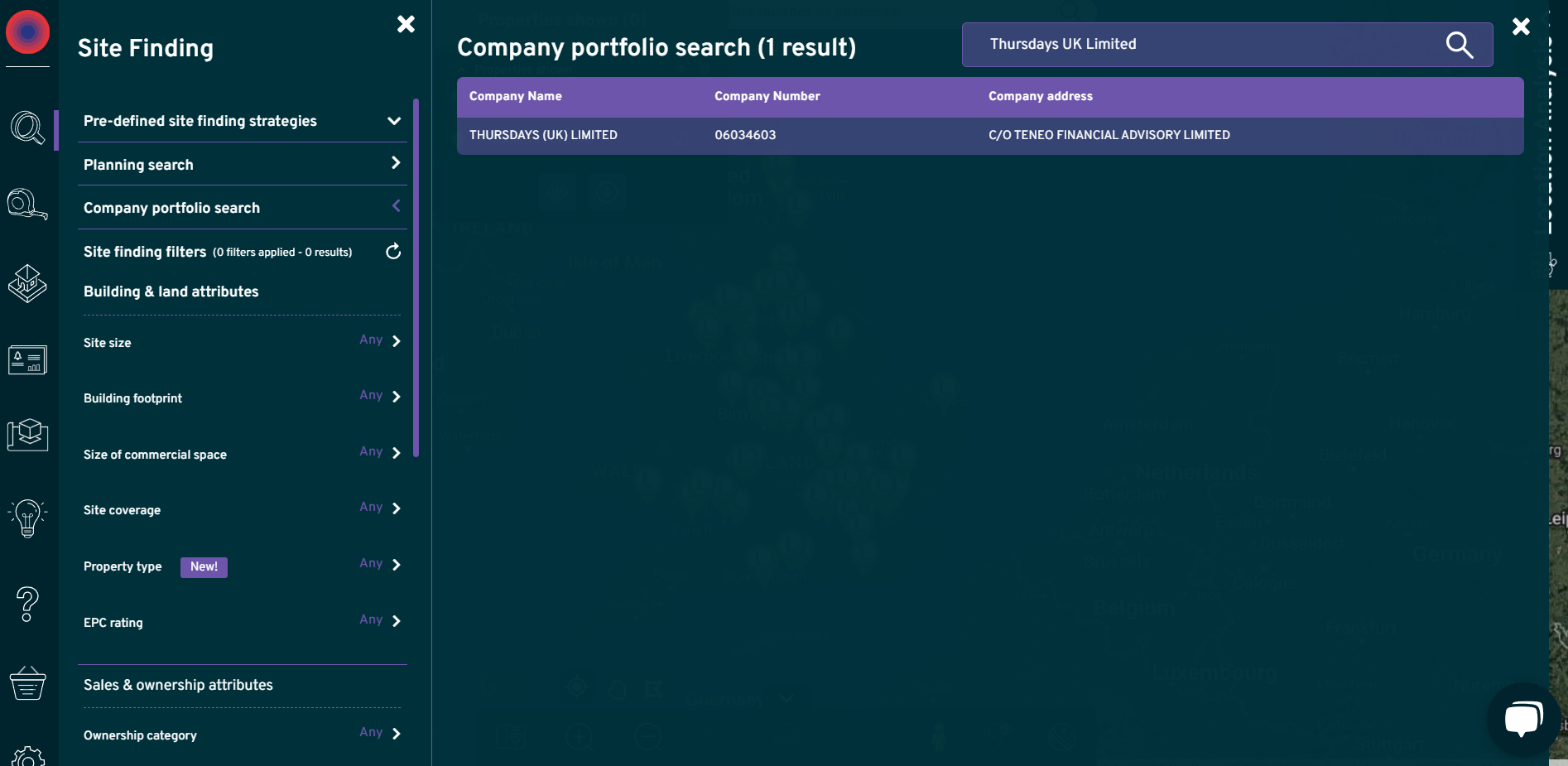
Search for a company portfolio

By clicking "site finding" and "company portfolio search", you can then search for any company across the UK to see their entire leasehold and freehold portfolio.

Add to your My Sites

Once you have identified the company portfolio of choice, you simply add to a stage of your choice in My Sites to allow you to continue exploring whenever you need to.

MySites Tags-1
Exporting Company Portfolio

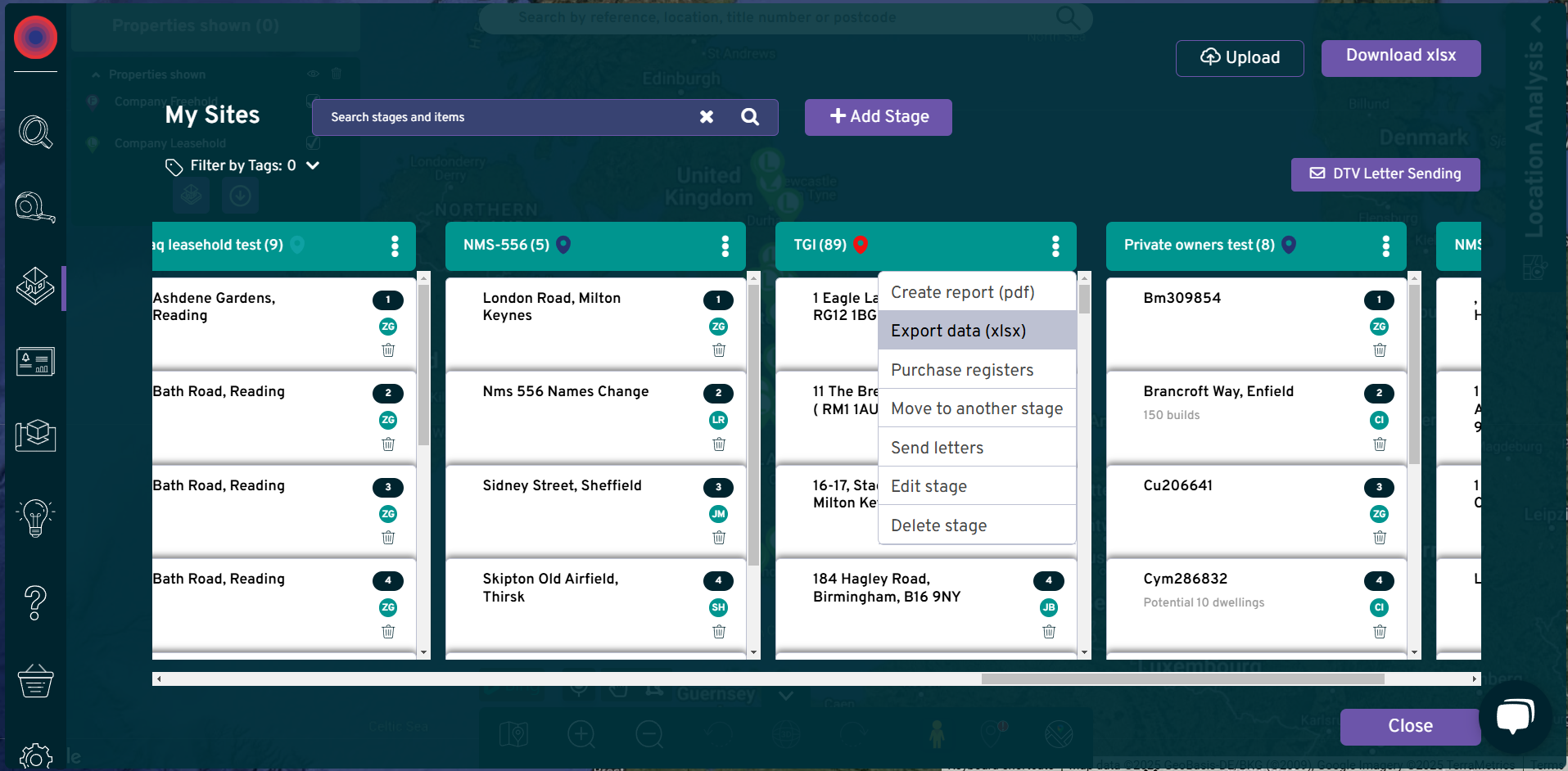
Exporting the company portfolio

Simply select the portfolio you would like to export, and the format you prefer from either an Excel or PDF. This will provide a full view of the entire leasehold and freehold details for the respective company.

Over 2,000 reliable data sources

companies-house-set-for-reform-banner
deoartment-of-transport-seeklogo.com
Group 14409
Group 14411
layer1
HM_Land_Registry_logo
Image 75
Ministry-of-Housing-Communities-Local-Govt
National_Grid_logo
ordnance-survey-vector-logo
Group 14407
ValuationOffice